An honor and a privilege
Building an accessible shower for Staff Sergeant Brad Lang

Uncoupling (DITRA)
DITRA & DITRA-XL
DITRA & DITRA-XL
Uncoupling (DITRA)
DITRA & DITRA-XL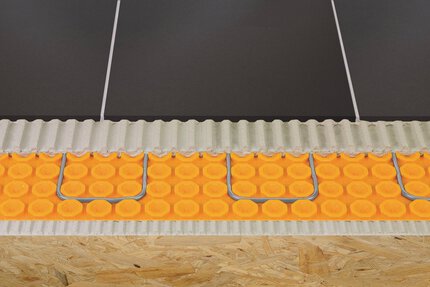
Uncoupling (DITRA)
DITRA-HEAT
DITRA-HEAT
Uncoupling (DITRA)
DITRA-HEAT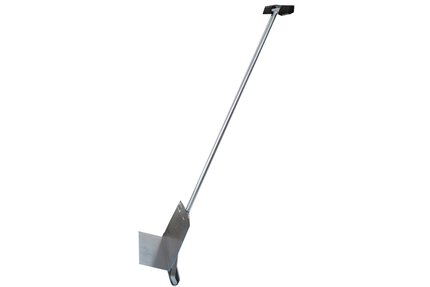 DITRA Roller
DITRA Roller
DITRA Roller
Uncoupling (DITRA)
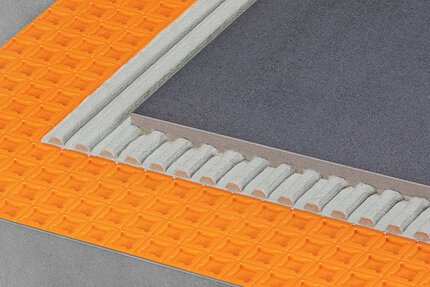
DITRA-PS
DITRA-PS
Uncoupling (DITRA)
DITRA-PS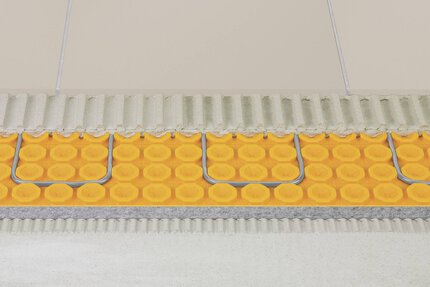
Uncoupling (DITRA)
DITRA-HEAT-DUO
DITRA-HEAT-DUO
Uncoupling (DITRA)
DITRA-HEAT-DUO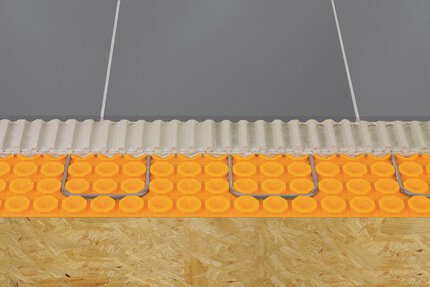
Uncoupling (DITRA)
DITRA-HEAT-PS
DITRA-HEAT-PS
Uncoupling (DITRA)
DITRA-HEAT-PS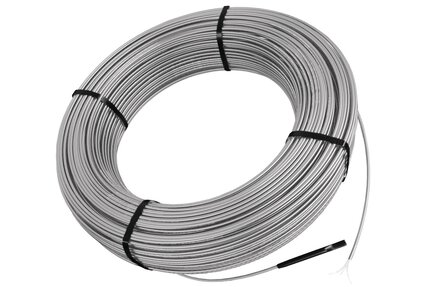
Cables
DITRA-HEAT-E-HK
DITRA-HEAT-E-HK
Cables
DITRA-HEAT-E-HK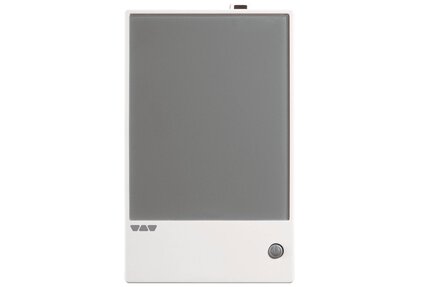
Thermostats
DITRA-HEAT-E-RR
DITRA-HEAT-E-RR
Thermostats
DITRA-HEAT-E-RR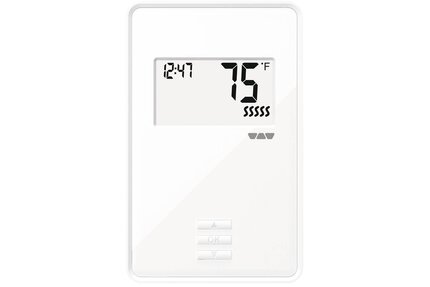
Thermostats
DITRA-HEAT-E-R
DITRA-HEAT-E-R
Thermostats
DITRA-HEAT-E-R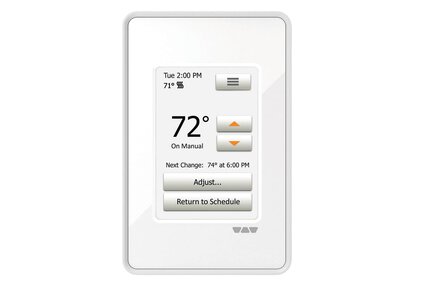
Thermostats
DITRA-HEAT-E-RT
DITRA-HEAT-E-RT
Thermostats
DITRA-HEAT-E-RT
Thermostats
DITRA-HEAT-E-RRS
DITRA-HEAT-E-RRS
Thermostats
DITRA-HEAT-E-RRS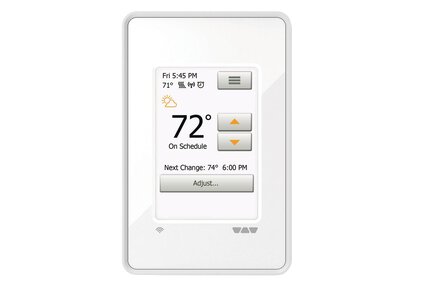
Thermostats
DITRA-HEAT-E-WiFi
DITRA-HEAT-E-WiFi
Thermostats
DITRA-HEAT-E-WiFi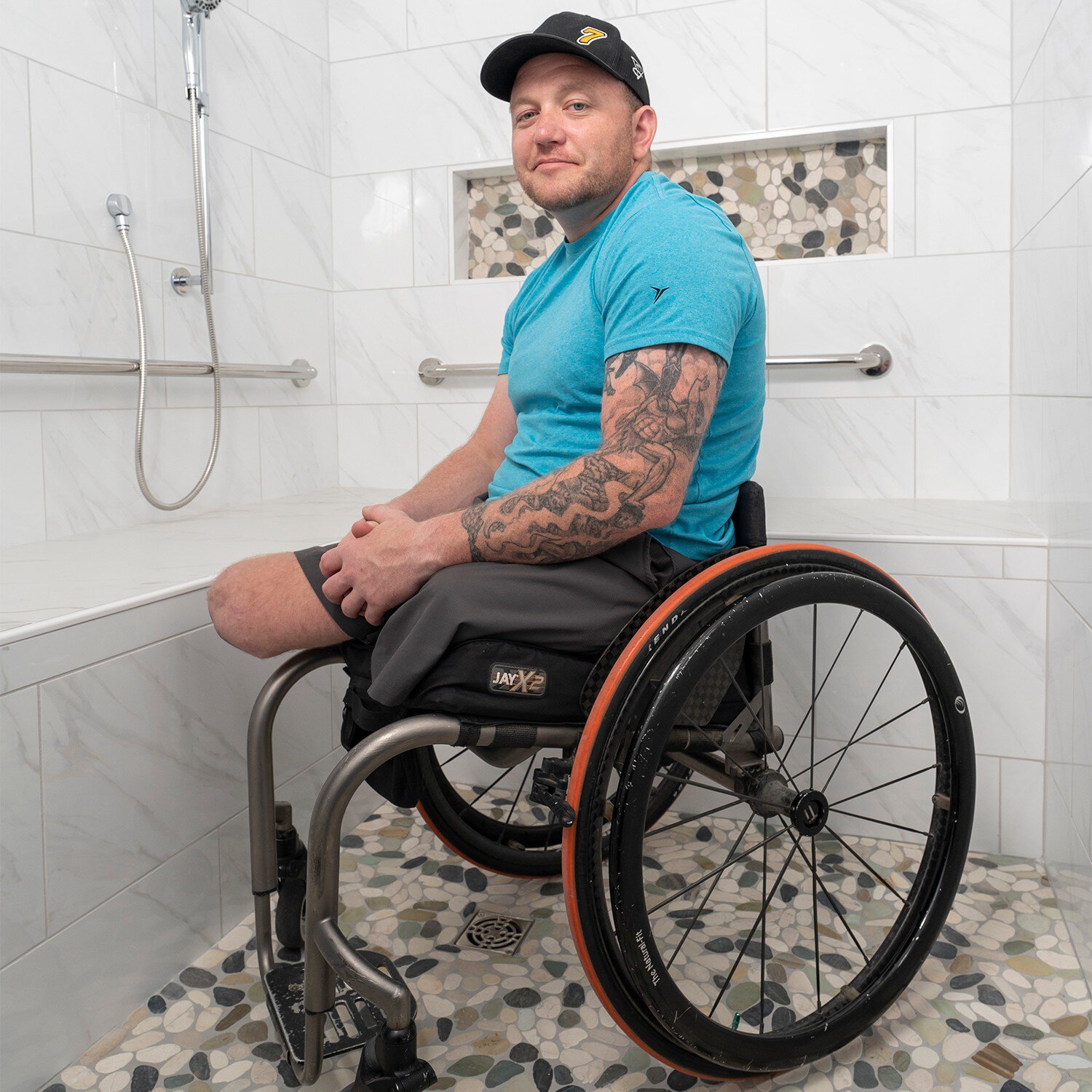
Building an accessible shower for Staff Sergeant Brad Lang

Possibly. Please refer to the published white paper for further information...
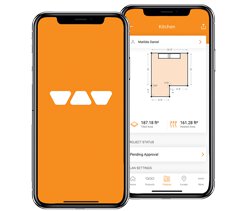
The new Schluter®-APP puts all the necessary Schluter resources in one place – on any iPhone or Android mobile device.
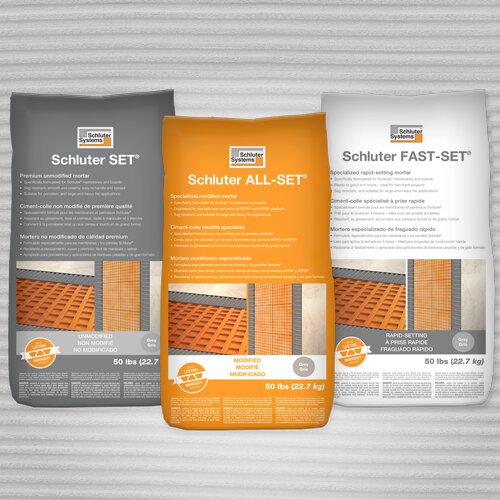
Schluter-Systems has developed three new thin-set mortars for ceramic and stone tile installation. The products are Schluter SET® unmodified thin-set mortar, Schluter ALL-SET® modified thin-set mortar, and Schluter FAST-SET® rapid-setting modified thin-set mortar. These products have been specifically formulated for Schluter® membranes and boards.
How long do I have to wait before I can install tile on the Schluter®-DITRA membrane?
Once DITRA has been installed on the substrate, tile can be installed right away. No need to wait for the mortar to cure...
Read moreHow long do I have to wait after the installing Schluter®-DITRA-HEAT to start using the system?
Schluter®-Systems recommends waiting 7 days after grouting before consistent use of the DITRA-HEAT system...
Read moreHow do I adjust the brightness of the thermostat display?
On the DITRA-HEAT-E-RT and DITRA-HEAT-E-WIFI, select "User Settings" from the menu, then "Display Brightness" and adjust it using..
Read more