Uncoupling (DITRA)
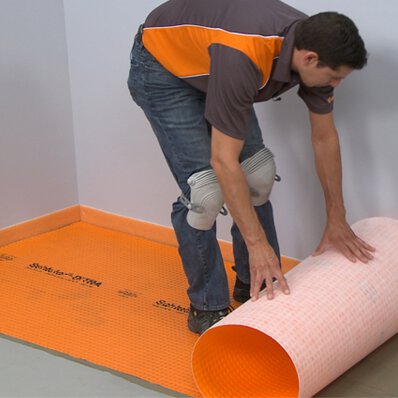
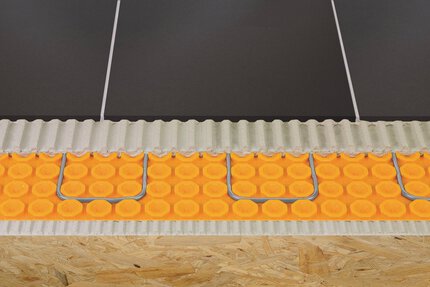
Schluter®-DITRA & DITRA-XL
Uncoupling (DITRA)
Schluter®-DITRA & DITRA-XLThermostats
Schluter®-DITRA-HEAT-E-RS1
Thermostats
Schluter®-DITRA-HEAT-E-RS1Thermostats
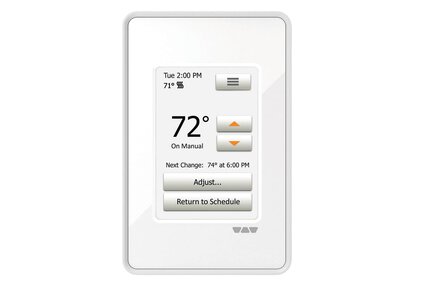
Schluter®-DITRA-HEAT-E-RT
Thermostats
Schluter®-DITRA-HEAT-E-RTThermostats
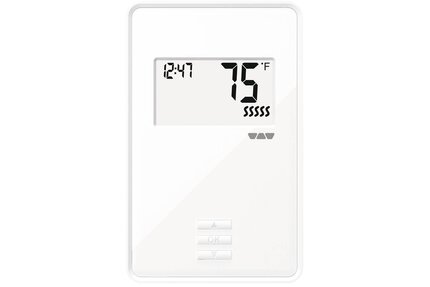
Schluter®-DITRA-HEAT-E-R
Thermostats
Schluter®-DITRA-HEAT-E-RThermostats
Schluter®-DITRA-HEAT-E-RRS
Thermostats
Schluter®-DITRA-HEAT-E-RRSCables
Schluter®-DITRA-HEAT-E-HK-RK
Cables
Schluter®-DITRA-HEAT-E-HK-RKCables
Schluter®-DITRA-HEAT-E-HK-SK
Cables
Schluter®-DITRA-HEAT-E-HK-SKThermostats
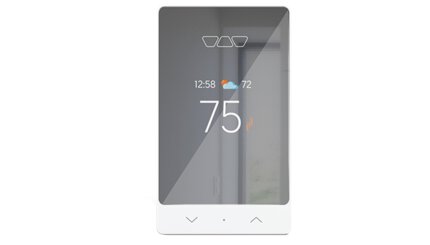
Schluter®-DITRA-HEAT-E-WiFi
Thermostats
Schluter®-DITRA-HEAT-E-WiFiCables
Schluter®-DITRA-HEAT-E-HK
Cables
Schluter®-DITRA-HEAT-E-HKThermostats
Schluter®-DITRA-HEAT-E-RR
Thermostats
Schluter®-DITRA-HEAT-E-RR
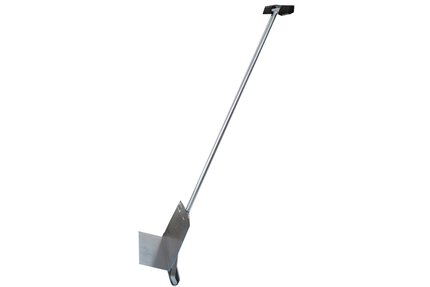
Schluter®-DITRA Roller
Uncoupling (DITRA)
Schluter®-DITRA-HEAT
Uncoupling (DITRA)
Schluter®-DITRA-HEATSchluter®-Systems is thrilled to announce that Kali Pharand, our Product Standards and Sustainability Coordinator, has been honored with the 2024 Coverings Rock Stars Award. This prestigious accolade recognizes emerging leaders in the field, and Kali’s exceptional dedication and expertise have set her apart.
How do I select the correct length Schluter®-DITRA-HEAT-E-HK heating cable for my floor warming project?
The Schluter®-DITRA-HEAT membrane is selected according to the size of the area to be tiled. The DITRA-HEAT-E-HK heating cable is selected...
Read moreI need to remove and reinstall a tile on Schluter-DITRA. How can I do this safely?
If you are in the process of setting the tile and the thin-set mortar is still fresh, simply run your margin trowel under the surface...
Read moreHow do I adjust the brightness of the thermostat display?
On the DITRA-HEAT-E-RT and DITRA-HEAT-E-WIFI, select "User Settings" from the menu, then "Display Brightness" and adjust it using..
Read more