Education for Architects and Designers
Find out more about AIA and IDCEC continuing education seminars available.
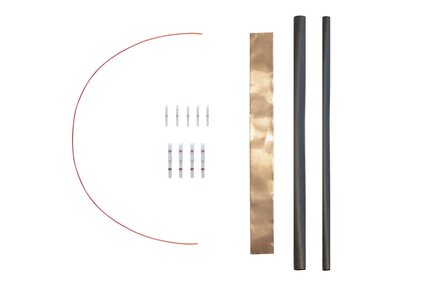
Cables
Schluter®-DITRA-HEAT-E-HK-SK
Schluter®-DITRA-HEAT-E-HK-SK
Cables
Schluter®-DITRA-HEAT-E-HK-SK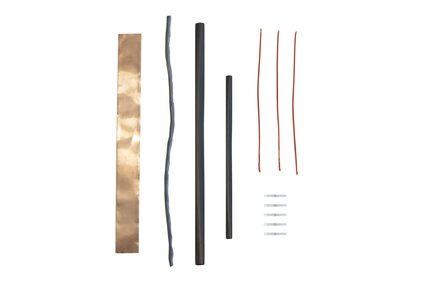
Cables
Schluter®-DITRA-HEAT-E-HK-RK
Schluter®-DITRA-HEAT-E-HK-RK
Cables
Schluter®-DITRA-HEAT-E-HK-RK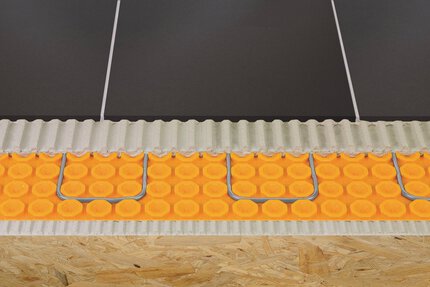
Uncoupling (DITRA)
Schluter®-DITRA-HEAT
Schluter®-DITRA-HEAT
Uncoupling (DITRA)
Schluter®-DITRA-HEAT
Uncoupling (DITRA)
Schluter®-DITRA & DITRA-XL
Schluter®-DITRA & DITRA-XL
Uncoupling (DITRA)
Schluter®-DITRA & DITRA-XL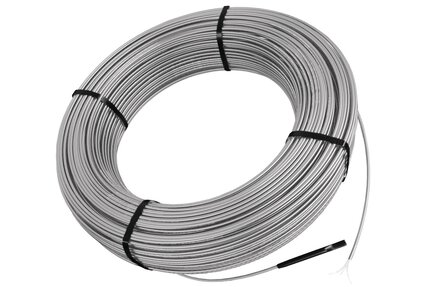
Cables
Schluter®-DITRA-HEAT-E-HK
Schluter®-DITRA-HEAT-E-HK
Cables
Schluter®-DITRA-HEAT-E-HK
Thermostats
Schluter®-DITRA-HEAT-E-RRS
Schluter®-DITRA-HEAT-E-RRS
Thermostats
Schluter®-DITRA-HEAT-E-RRS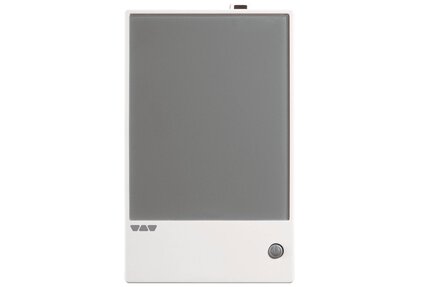
Thermostats
Schluter®-DITRA-HEAT-E-RR
Schluter®-DITRA-HEAT-E-RR
Thermostats
Schluter®-DITRA-HEAT-E-RR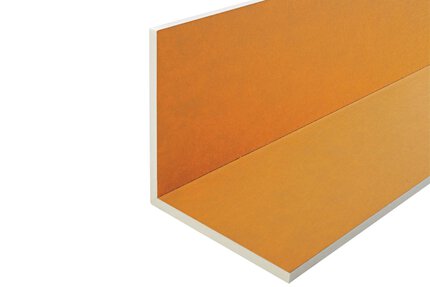
KERDI-BOARD Panels
Schluter®-KERDI-BOARD-E
Schluter®-KERDI-BOARD-E
KERDI-BOARD Panels
Schluter®-KERDI-BOARD-E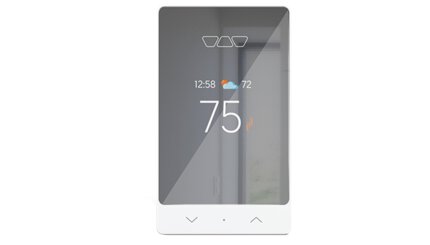
Thermostats
Schluter®-DITRA-HEAT-E-RS1
Schluter®-DITRA-HEAT-E-RS1
Thermostats
Schluter®-DITRA-HEAT-E-RS1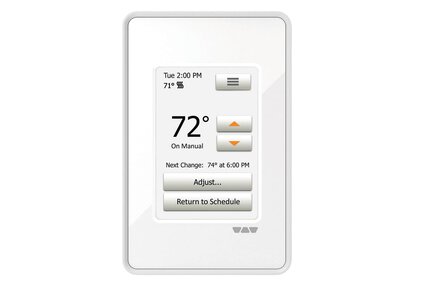
Thermostats
Schluter®-DITRA-HEAT-E-RT
Schluter®-DITRA-HEAT-E-RT
Thermostats
Schluter®-DITRA-HEAT-E-RT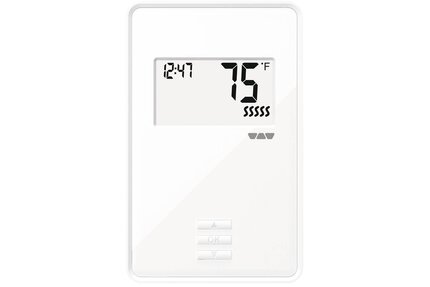
Thermostats
Schluter®-DITRA-HEAT-E-R
Schluter®-DITRA-HEAT-E-R
Thermostats
Schluter®-DITRA-HEAT-E-R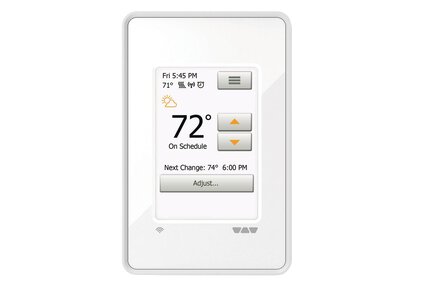
Thermostats
Schluter®-DITRA-HEAT-E-WiFi
Schluter®-DITRA-HEAT-E-WiFi
Thermostats
Schluter®-DITRA-HEAT-E-WiFi
Find out more about AIA and IDCEC continuing education seminars available.
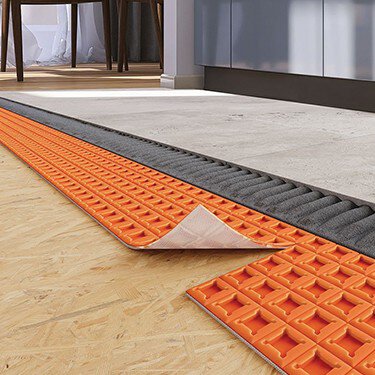
Now, with the advancement of peel and stick technology, uncoupling membranes have become even more convenient and easier to install. Whether you’re working on a time-sensitive project or need a solution for multi-story buildings where weight and speed are critical factors, peel and stick membranes provide a faster, lighter alternative.
Is the DITRA-HEAT-E-WiFi thermostat compatible with both iOS and Android apps?
Yes , download the "Schluter-DITRA-HEAT-E-WIFI" App from the App Store or Google Play..
Read moreHow do I adjust the brightness of the thermostat display?
On the DITRA-HEAT-E-RT and DITRA-HEAT-E-WIFI, select "User Settings" from the menu, then "Display Brightness" and adjust it using..
Read moreCan I lock my DITRA-HEAT-E-WIFI thermostat to help prevent changes to the settings?