Making the Gradient
Contractor Profile - Waldron Tile & Stone
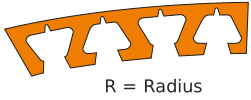
Radius available for products with this label

For Floors / Same-height Transitions
Schluter®-RENO-T
Schluter®-RENO-T
For Floors / Same-height Transitions
Schluter®-RENO-TBalcony Profiles
Schluter®-BARA-RW Schluter®-BARA-RW
Balcony Profiles
Schluter®-BARA-RWAccessories / Shelves
Schluter®-SHELF-E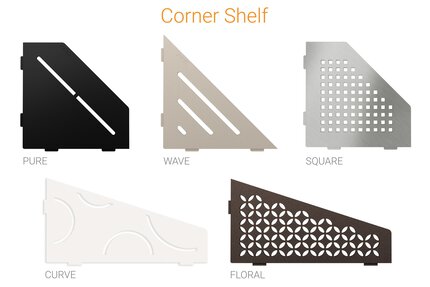 Schluter®-SHELF-E
Accessories / Shelves
Schluter®-SHELF-EAccessories / Shelves
Schluter®-SHELF-W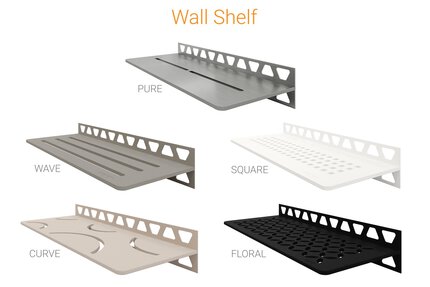 Schluter®-SHELF-W
Accessories / Shelves
Schluter®-SHELF-W
Contractor Profile - Waldron Tile & Stone
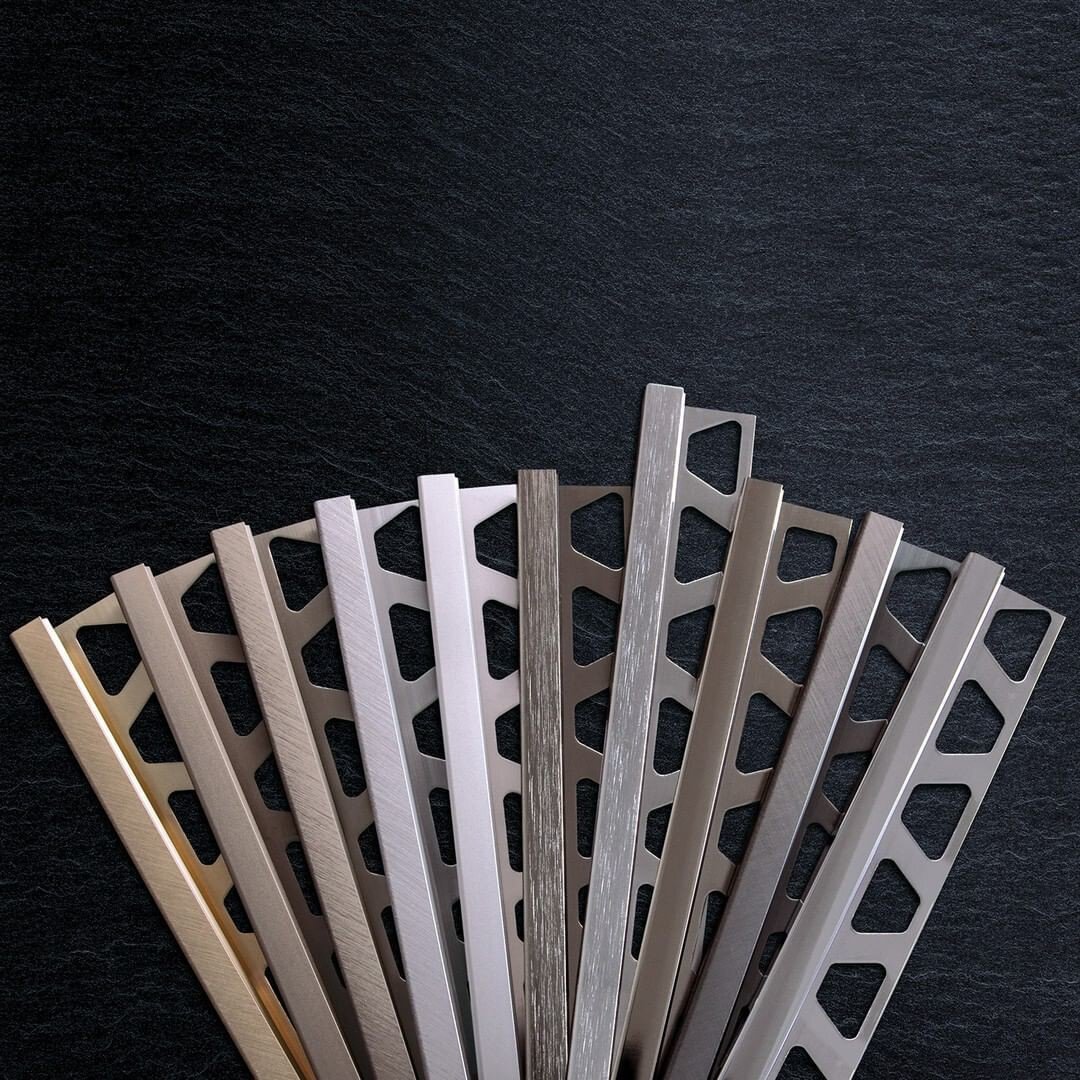
Ceramic and stone tile have been popular design choices for centuries, and there’s good reason for it. With renowned durability, low levels of required maintenance, and endless creative options, ceramic and stone tile are some of the most common coverings seen on walls, floors, and even countertops. Learn about how to protect your tile installation with tile edge trim profiles.
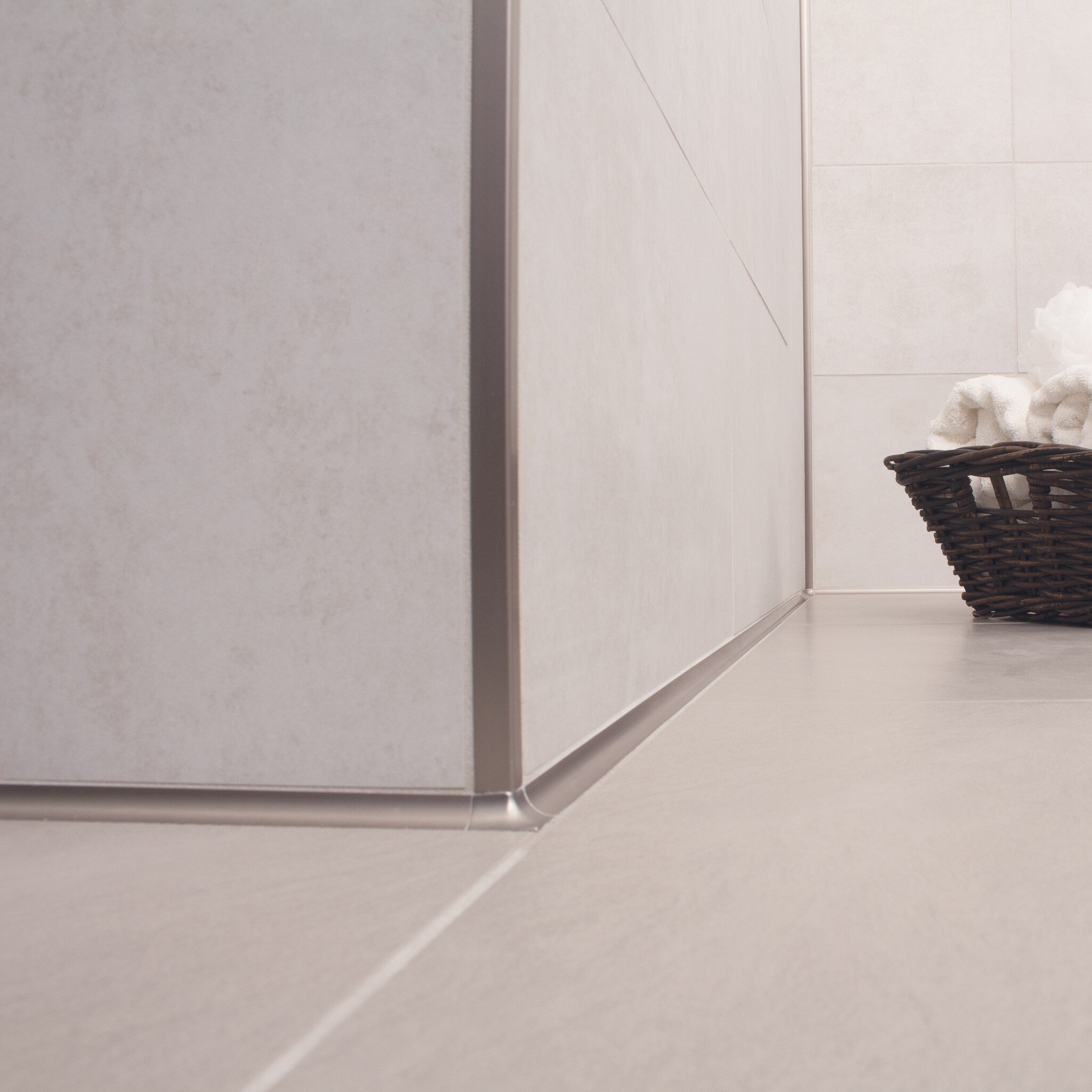
Profiles play a crucial role in ceramic tile installations, providing seamless transitions, edge protection, and enhanced design. Whether for floors, walls, countertops, or stairs, profiles ensure both aesthetic appeal and durability, offering solutions for various environments. Explore their versatility and the benefits they bring to any tile project.
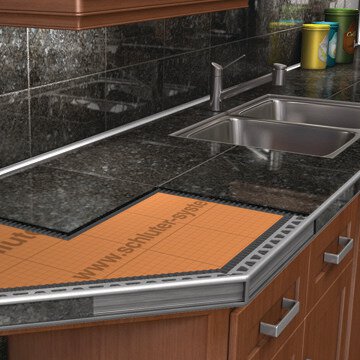
Are you currently in the process of renovating your kitchen or bathroom and incorporating a countertop? If so, you may want to consider using countertop profiles. These architectural elements not only add a touch of elegance to your countertops but also provide essential countertop edge protection. Read on to learn more.
What is the difference between Schluter®-JOLLY and Schluter®-SCHIENE profiles?
SCHIENE is designed to provide edging for tile coverings on floors. Typical applications include edge protection where...
Read moreWhat happens to my heating schedule if the thermostat loses power?
Once the power is restored, the thermostat will return to the existing heating schedule...
Read moreI no longer want to use the Wi-Fi connectivity of my DITRA-HEAT-E-WiFi thermostat. How do I turn off this feature?


