Search Results for
Cables
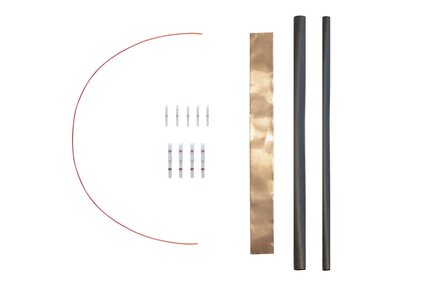
Schluter®-DITRA-HEAT-E-HK-SK
Schluter®-DITRA-HEAT-E-HK-SK
Cables
Schluter®-DITRA-HEAT-E-HK-SK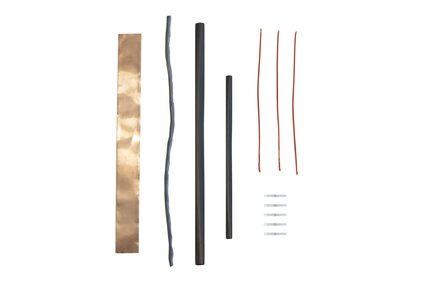
Cables
Schluter®-DITRA-HEAT-E-HK-RK
Schluter®-DITRA-HEAT-E-HK-RK
Cables
Schluter®-DITRA-HEAT-E-HK-RK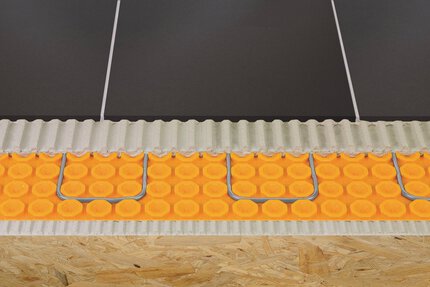
Uncoupling (DITRA)
Schluter®-DITRA-HEAT
Schluter®-DITRA-HEAT
Uncoupling (DITRA)
Schluter®-DITRA-HEAT
Uncoupling (DITRA)
Schluter®-DITRA & DITRA-XL
Schluter®-DITRA & DITRA-XL
Uncoupling (DITRA)
Schluter®-DITRA & DITRA-XL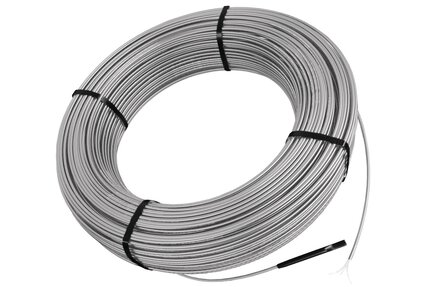
Cables
Schluter®-DITRA-HEAT-E-HK
Schluter®-DITRA-HEAT-E-HK
Cables
Schluter®-DITRA-HEAT-E-HK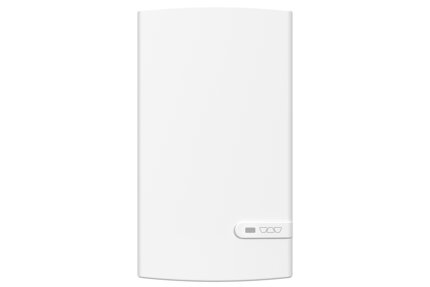
Thermostats
Schluter®-DITRA-HEAT-E-RRS
Schluter®-DITRA-HEAT-E-RRS
Thermostats
Schluter®-DITRA-HEAT-E-RRS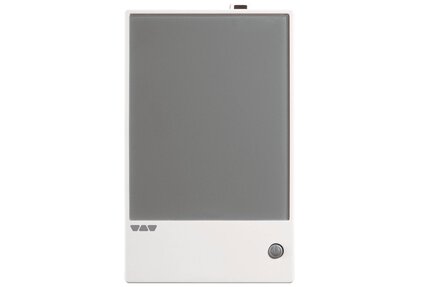
Thermostats
Schluter®-DITRA-HEAT-E-RR
Schluter®-DITRA-HEAT-E-RR
Thermostats
Schluter®-DITRA-HEAT-E-RR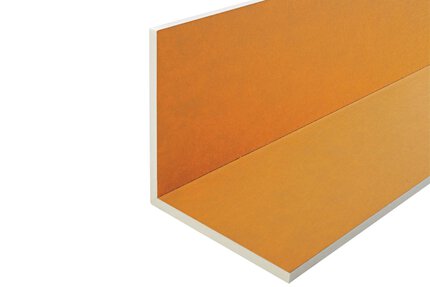
KERDI-BOARD Panels
Schluter®-KERDI-BOARD-E
Schluter®-KERDI-BOARD-E
KERDI-BOARD Panels
Schluter®-KERDI-BOARD-E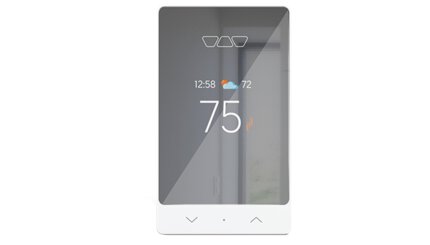
Thermostats
Schluter®-DITRA-HEAT-E-RS1
Schluter®-DITRA-HEAT-E-RS1
Thermostats
Schluter®-DITRA-HEAT-E-RS1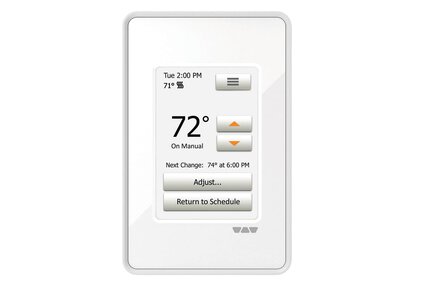
Thermostats
Schluter®-DITRA-HEAT-E-RT
Schluter®-DITRA-HEAT-E-RT
Thermostats
Schluter®-DITRA-HEAT-E-RT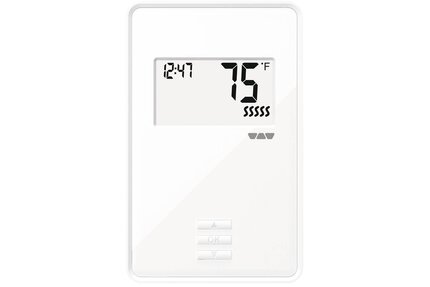
Thermostats
Schluter®-DITRA-HEAT-E-R
Schluter®-DITRA-HEAT-E-R
Thermostats
Schluter®-DITRA-HEAT-E-R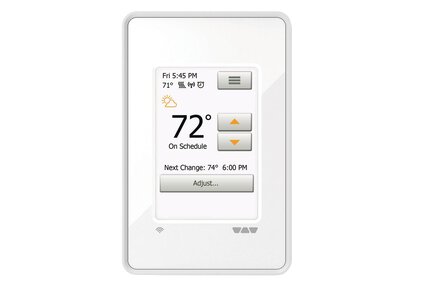
Thermostats
Schluter®-DITRA-HEAT-E-WiFi
Schluter®-DITRA-HEAT-E-WiFi
Thermostats
Schluter®-DITRA-HEAT-E-WiFi
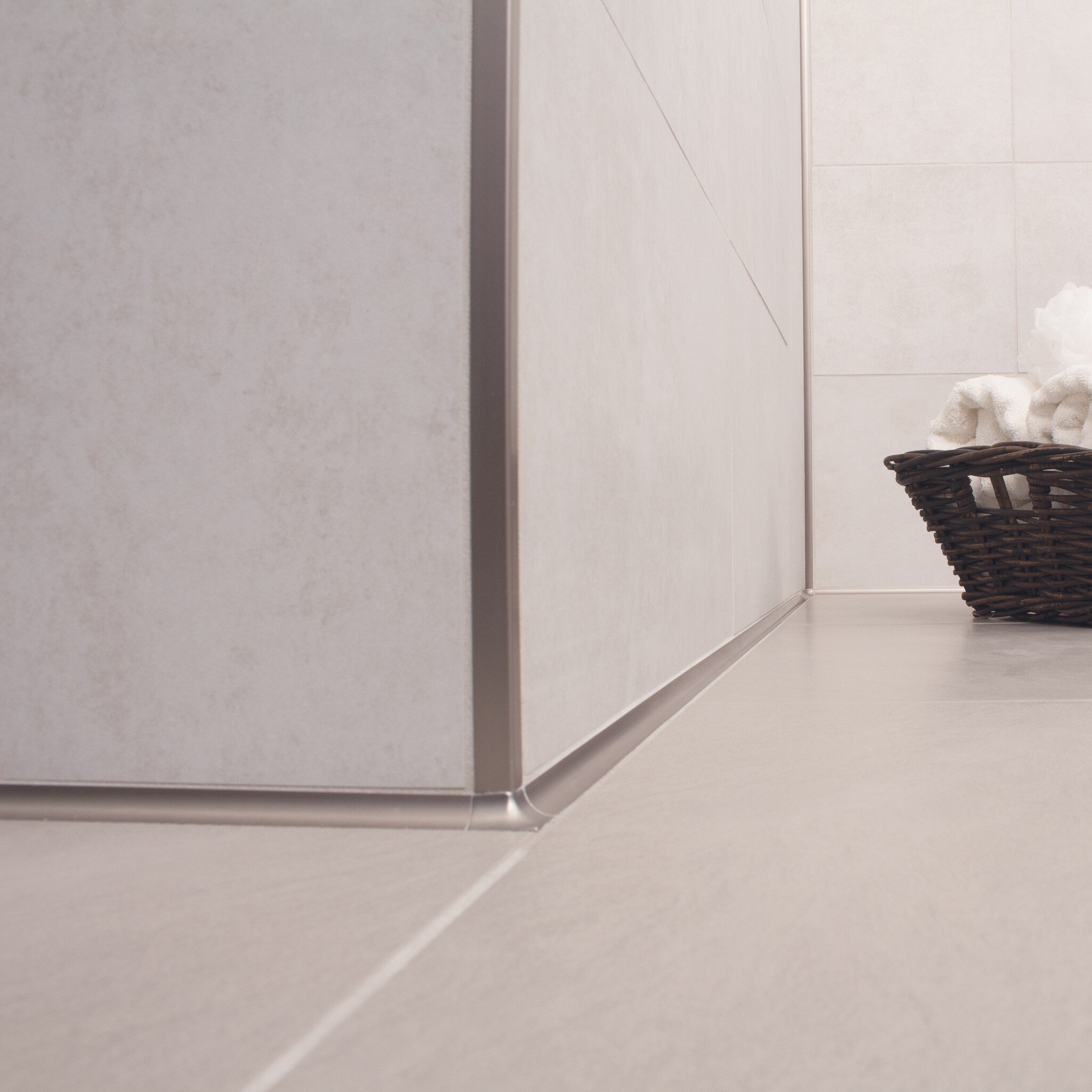
Incorporating Profiles in Ceramic Tile Applications
Profiles play a crucial role in ceramic tile installations, providing seamless transitions, edge protection, and enhanced design. Whether for floors, walls, countertops, or stairs, profiles ensure both aesthetic appeal and durability, offering solutions for various environments. Explore their versatility and the benefits they bring to any tile project.

MyDesign by Schluter: RAL & Digital Printing
Two technologies, unlimited expression. Customize Schluter profiles and shelves with precise color or digitally printed designs.
How do I connect an expansion unit/power module to the DITRA-HEAT-E-RS1 smart thermostat?
Can I lock my DITRA-HEAT-E-RS1 thermostat so that no one can change the settings?
Yes, using the "Lock" function in the Schluter Smart Thermostat app menu for the particular thermostat.
Read moreMy thermostat DITRA-HEAT-E-RS1 and Control4 system are no longer connected. What should I do?
First confirm that the thermostat still has Wi Fi. A “!” beside the Wi Fi icon means it needs to be...
Read more