Search Results for
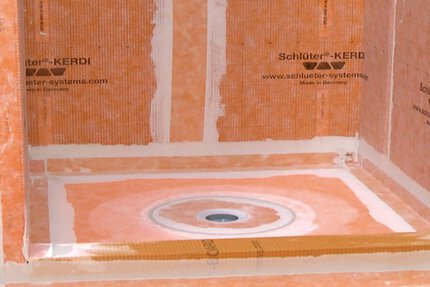
Waterproofing (KERDI)
Schluter®-KERDI
Schluter®-KERDI
Waterproofing (KERDI)
Schluter®-KERDI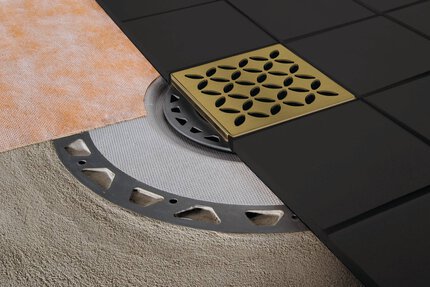
Drains / Shower Drains
Schluter®-KERDI-DRAIN
Schluter®-KERDI-DRAIN
Drains / Shower Drains
Schluter®-KERDI-DRAIN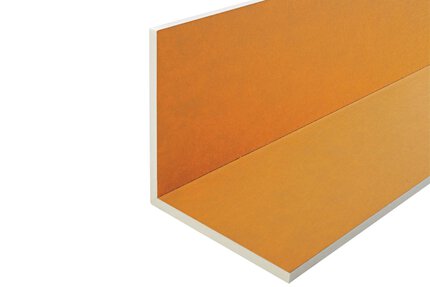
KERDI-BOARD Panels
Schluter®-KERDI-BOARD-E
Schluter®-KERDI-BOARD-E
KERDI-BOARD Panels
Schluter®-KERDI-BOARD-E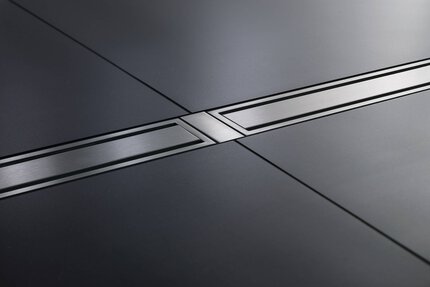
Accessories / Profiles
Schluter®-KERDI-LINE-FC
Schluter®-KERDI-LINE-FC
Accessories / Profiles
Schluter®-KERDI-LINE-FC
Prefabricated Substrates
Schluter®-KERDI-SHOWER-LT/-LTS
Schluter®-KERDI-SHOWER-LT/-LTS
Prefabricated Substrates
Schluter®-KERDI-SHOWER-LT/-LTSCables
Schluter®-DITRA-HEAT-E-HK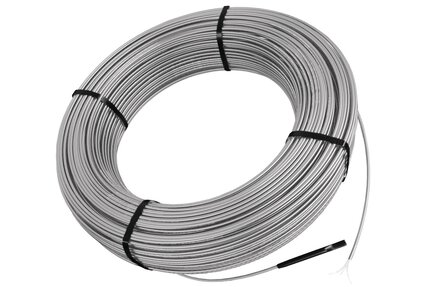 Schluter®-DITRA-HEAT-E-HK
Cables
Schluter®-DITRA-HEAT-E-HK
Thermostats
Schluter®-DITRA-HEAT-E-RR
Schluter®-DITRA-HEAT-E-RR
Thermostats
Schluter®-DITRA-HEAT-E-RR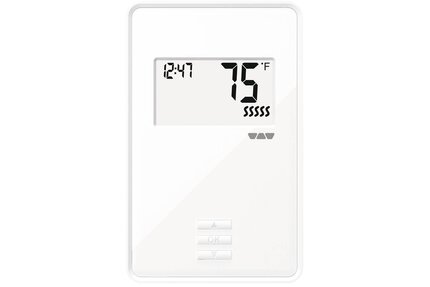
Thermostats
Schluter®-DITRA-HEAT-E-R
Schluter®-DITRA-HEAT-E-R
Thermostats
Schluter®-DITRA-HEAT-E-R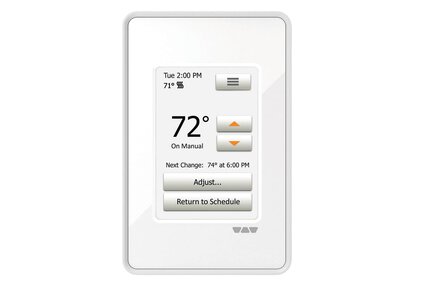
Thermostats
Schluter®-DITRA-HEAT-E-RT
Schluter®-DITRA-HEAT-E-RT
Thermostats
Schluter®-DITRA-HEAT-E-RT
Thermostats
Schluter®-DITRA-HEAT-E-RRS
Schluter®-DITRA-HEAT-E-RRS
Thermostats
Schluter®-DITRA-HEAT-E-RRS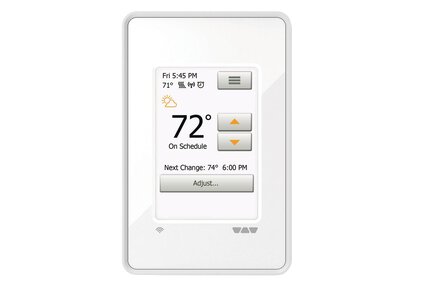
Thermostats
Schluter®-DITRA-HEAT-E-WiFi
Schluter®-DITRA-HEAT-E-WiFi
Thermostats
Schluter®-DITRA-HEAT-E-WiFi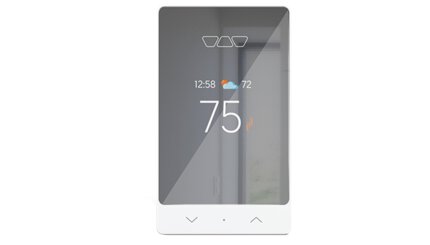
Thermostats
Schluter®-DITRA-HEAT-E-RS1
Schluter®-DITRA-HEAT-E-RS1
Thermostats
Schluter®-DITRA-HEAT-E-RS1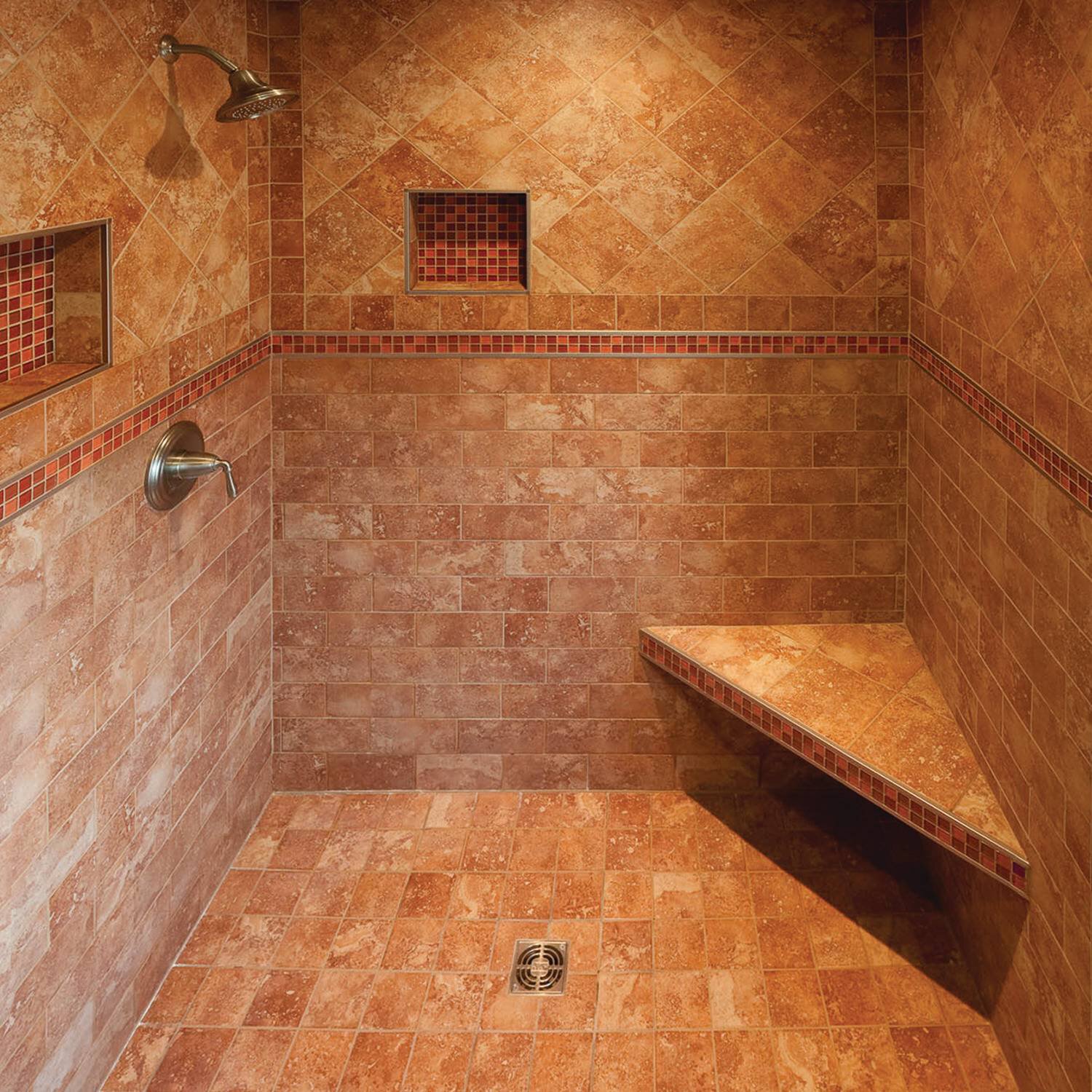
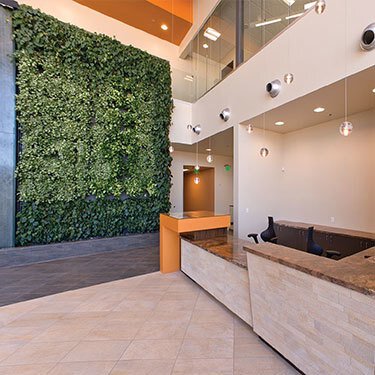
Sustainable Concepts and Continuing Efforts
Explore innovative, sustainable solutions at Schluter®-Systems. Redefining standards in tile installation with a commitment to constant improvement.

Shipping Policy
This page reflects our shipping & handling policy, effective as of April 1, 2023. Read more to see the entire policy.
Can my thermostat obtain software updates?
No, the DITRA-HEAT-E-RT, DITRA-HEAT-E-R and DITRA-HEAT-E-WIFI thermostats cannot obtain software updates.
Read moreIs the DITRA-HEAT-E-WiFi thermostat compatible with both iOS and Android apps?
Yes , download the "Schluter-DITRA-HEAT-E-WIFI" App from the App Store or Google Play..
Read moreHow do I adjust the brightness of the thermostat display?
On the DITRA-HEAT-E-RT and DITRA-HEAT-E-WIFI, select "User Settings" from the menu, then "Display Brightness" and adjust it using..
Read more