Search Results for
Radius available for products with this label

Accessories / Shelves
Schluter®-SHELF-E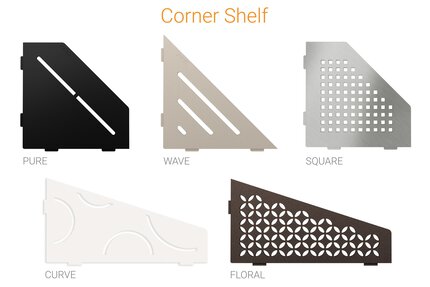 Schluter®-SHELF-E
Accessories / Shelves
Schluter®-SHELF-E
For Walls / Heavy-duty Corners
Schluter®-ECK-KHK
Schluter®-ECK-KHK
For Walls / Heavy-duty Corners
Schluter®-ECK-KHK
For Walls / Edging & Outside Wall Corners
Schluter®-DECO-DE
Schluter®-DECO-DE
For Walls / Edging & Outside Wall Corners
Schluter®-DECO-DE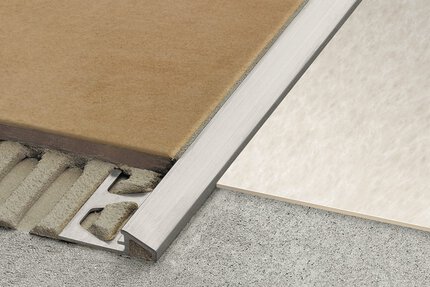
For Floors / Sloped Transitions
Schluter®-RENO-U
Schluter®-RENO-U
For Floors / Sloped Transitions
Schluter®-RENO-UFor Floors / Sloped Transitions
Schluter®-RENO-TK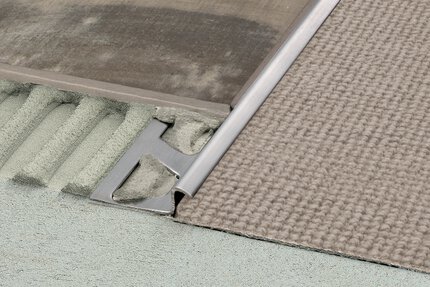 Schluter®-RENO-TK
For Floors / Sloped Transitions
Schluter®-RENO-TK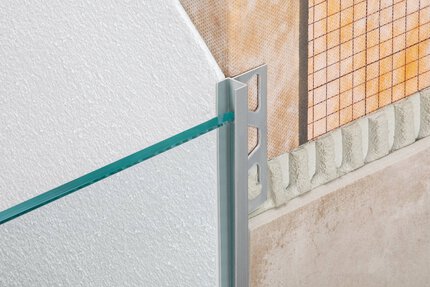
Accessories / Profiles
Schluter®-DECO-SGC
Schluter®-DECO-SGC
Accessories / Profiles
Schluter®-DECO-SGC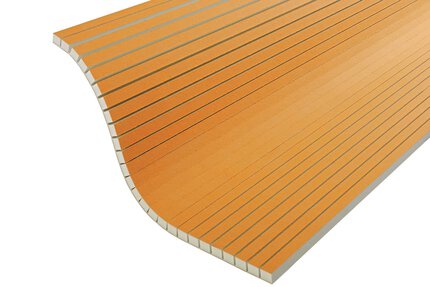
KERDI-BOARD Panels
Schluter®-KERDI-BOARD-V
Schluter®-KERDI-BOARD-V
KERDI-BOARD Panels
Schluter®-KERDI-BOARD-VCove-shaped Profiles
Schluter®-DILEX-AHKA Schluter®-DILEX-AHKA
Cove-shaped Profiles
Schluter®-DILEX-AHKAAccessories / Shelves
Schluter®-SHELF-N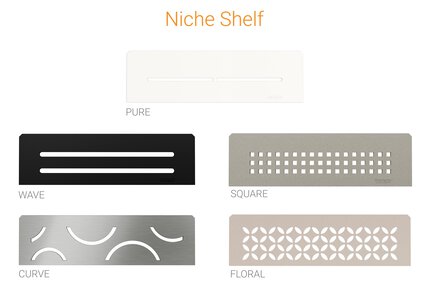 Schluter®-SHELF-N
Accessories / Shelves
Schluter®-SHELF-NBalcony Profiles
Schluter®-BARA-RWL Schluter®-BARA-RWL
Balcony Profiles
Schluter®-BARA-RWL
For Walls / Heavy-duty Corners
Schluter®-ECK-K
Schluter®-ECK-K
For Walls / Heavy-duty Corners
Schluter®-ECK-K
Movement Joint Profiles / Perimeter Joints
Schluter®-DILEX-AS
Schluter®-DILEX-AS
Movement Joint Profiles / Perimeter Joints
Schluter®-DILEX-AS
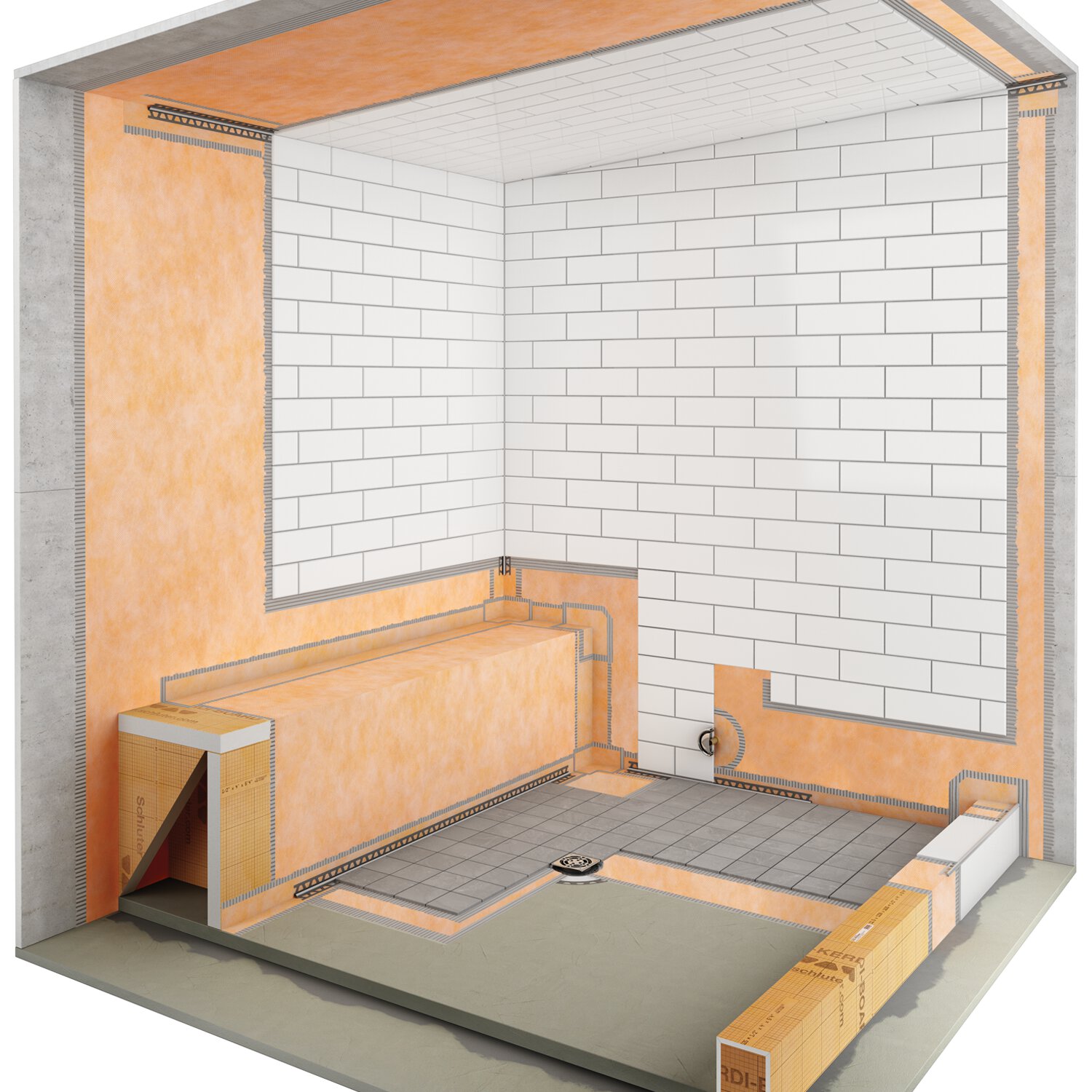
Commercial steam showers
Find out about waterproofing requirements for commercial steam showers.
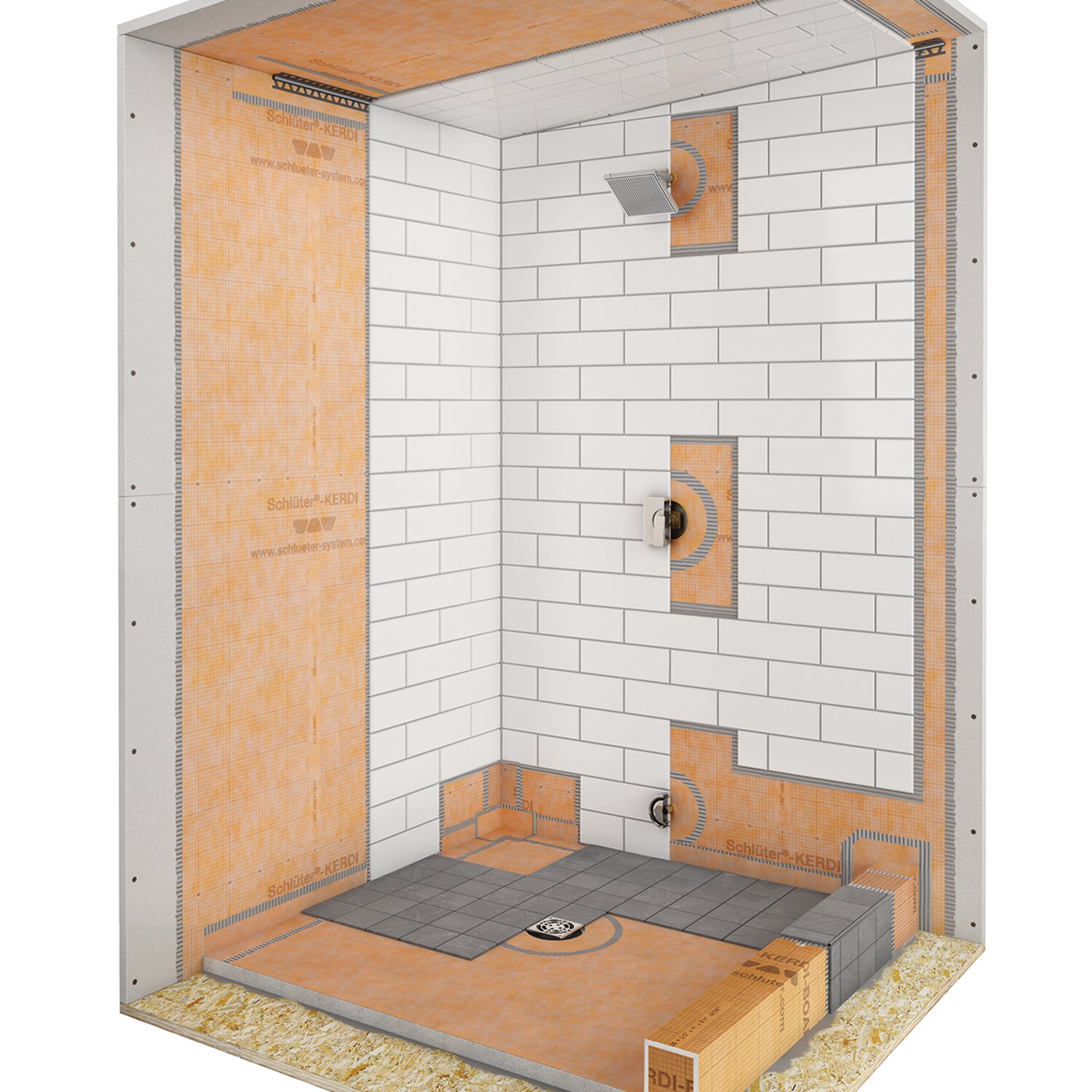
Residential steam showers
Find out about waterproofing requirements for residential steam showers.

Key to Success in Family Tile Business
We are very progressive about training and education, to the point that we have created our own apprenticeship program for our installers
Can I lock my DITRA-HEAT-E-RS1 thermostat so that no one can change the settings?
Yes, using the "Lock" function in the Schluter Smart Thermostat app menu for the particular thermostat.
Read moreI need to remove and reinstall a tile on Schluter-DITRA. How can I do this safely?
If you are in the process of setting the tile and the thin-set mortar is still fresh, simply run your margin trowel under the surface...
Read moreHow do I adjust the brightness of the thermostat display?
On the DITRA-HEAT-E-RT and DITRA-HEAT-E-WIFI, select "User Settings" from the menu, then "Display Brightness" and adjust it using..
Read more