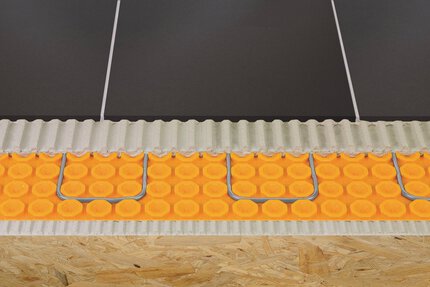
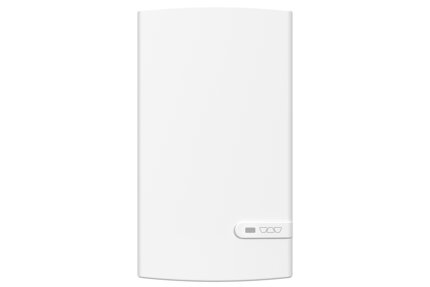
Schluter®-DITRA-HEAT-E-RS1
Smart Thermostat for the DITRA-HEAT system

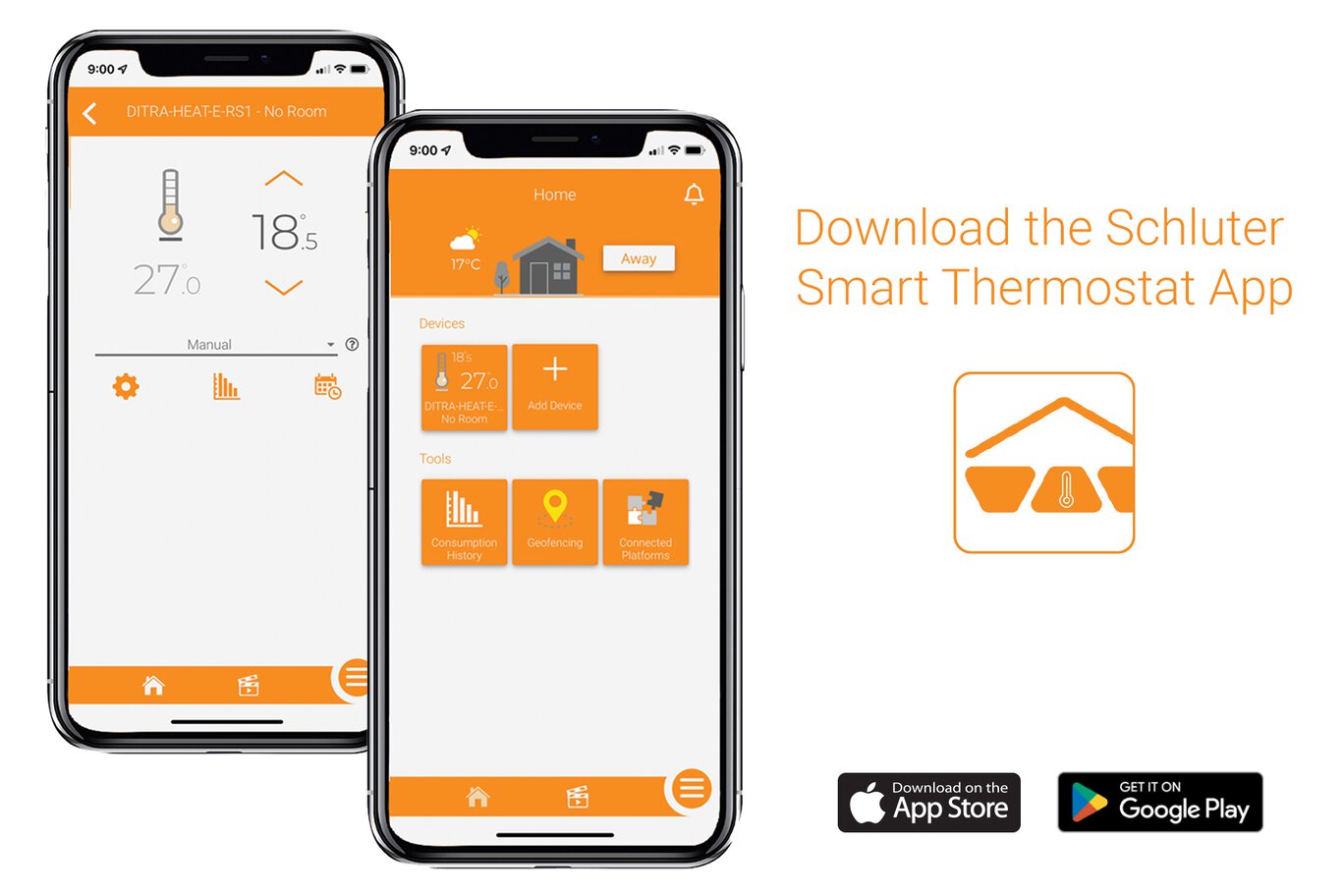
- Download the Schluter Smart Thermostat app for convenient, remote access to your DITRA-HEAT floor warming system
- Create Scenes when multiple thermostats are installed
- Geofencing functionality turns up the heat when you’re coming home, and detects when you’re away
- Quick and easy to install and set-up
- Multiple energy-saving functions
- Lockable buttons
- Adaptive backlight
- Max ambient temperature limit when in floor control mode
- Temperature protection for laminate, LVT, and similar floor coverings
- Outdoor weather display
- Compatible with the Schluter®-DITRA-HEAT-E-RRS power module
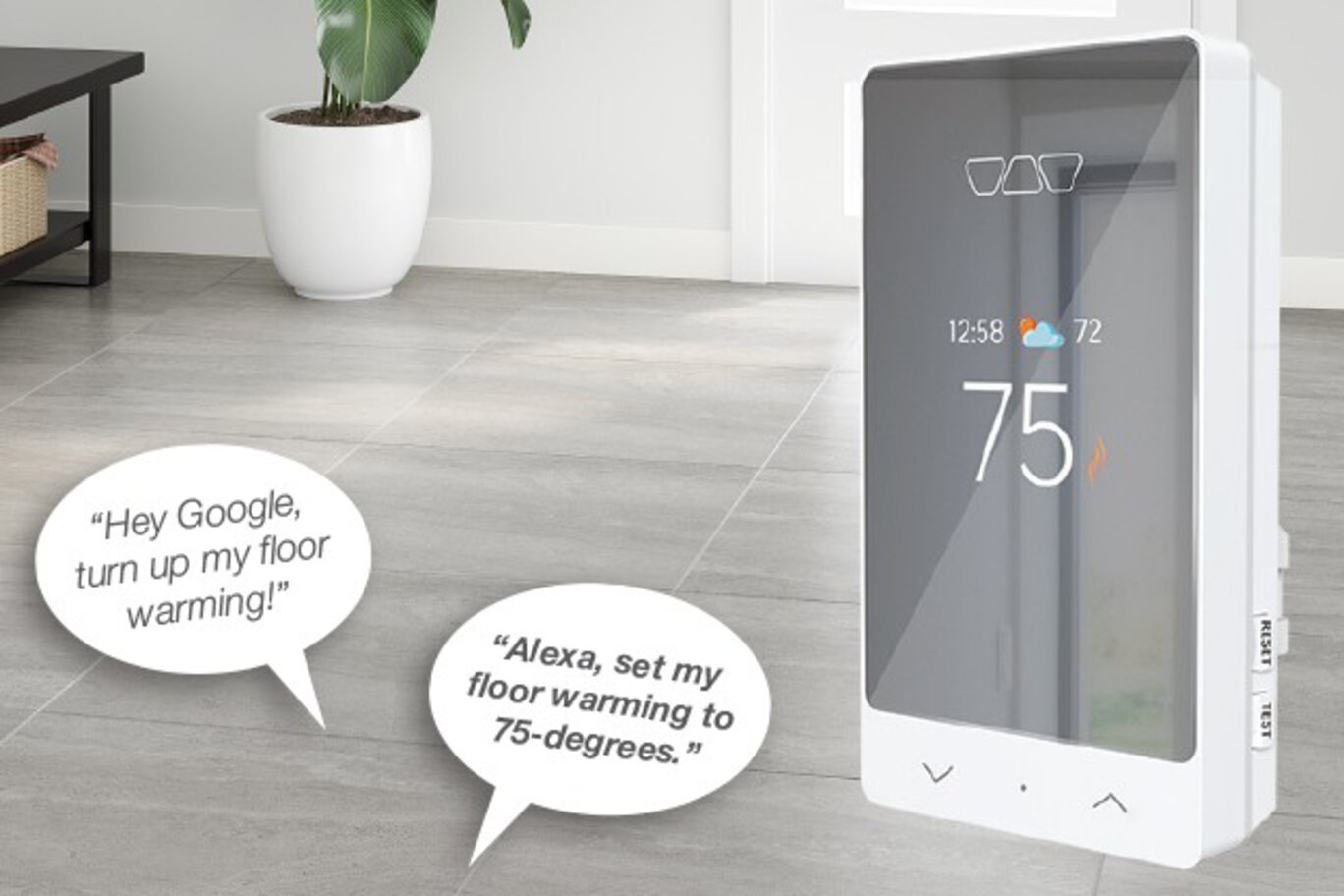
- Compatible with Apple Home and Amazon Alexa
Find recommended accessories here



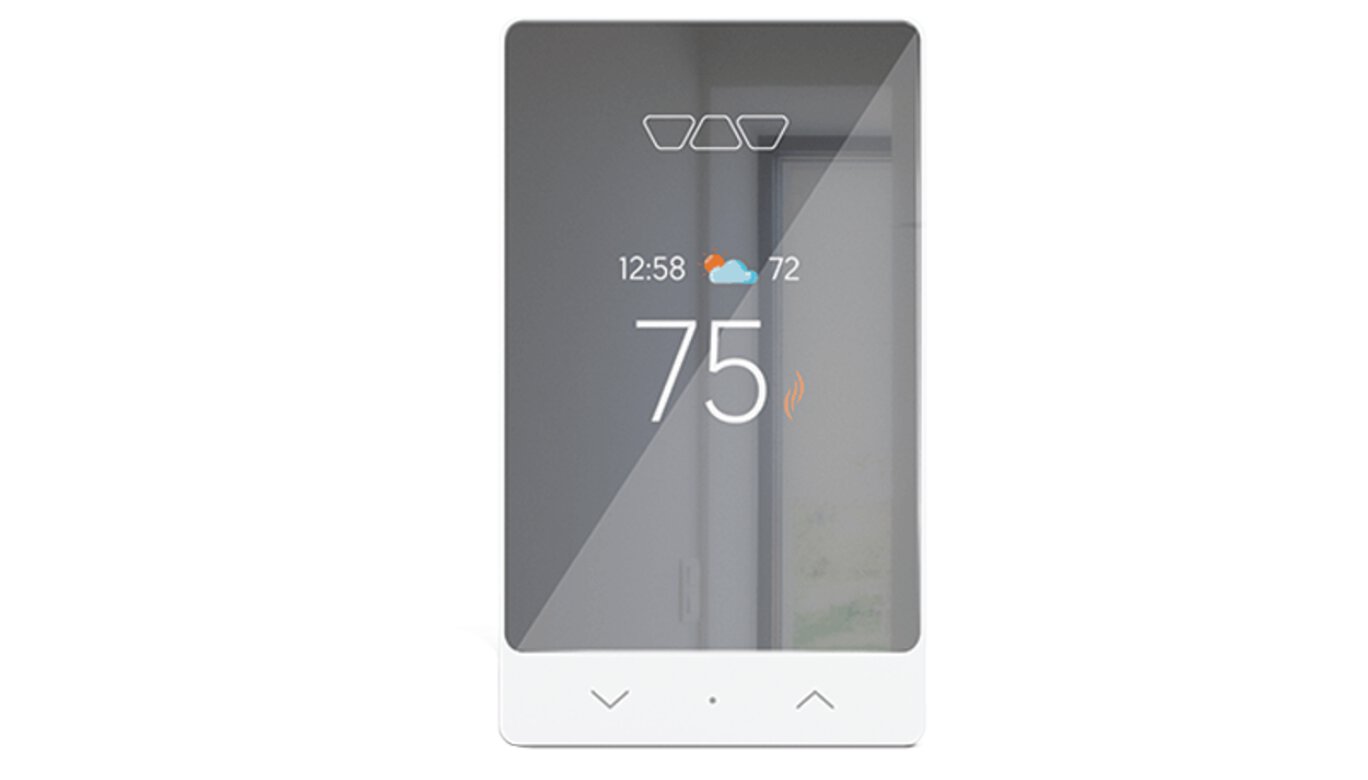
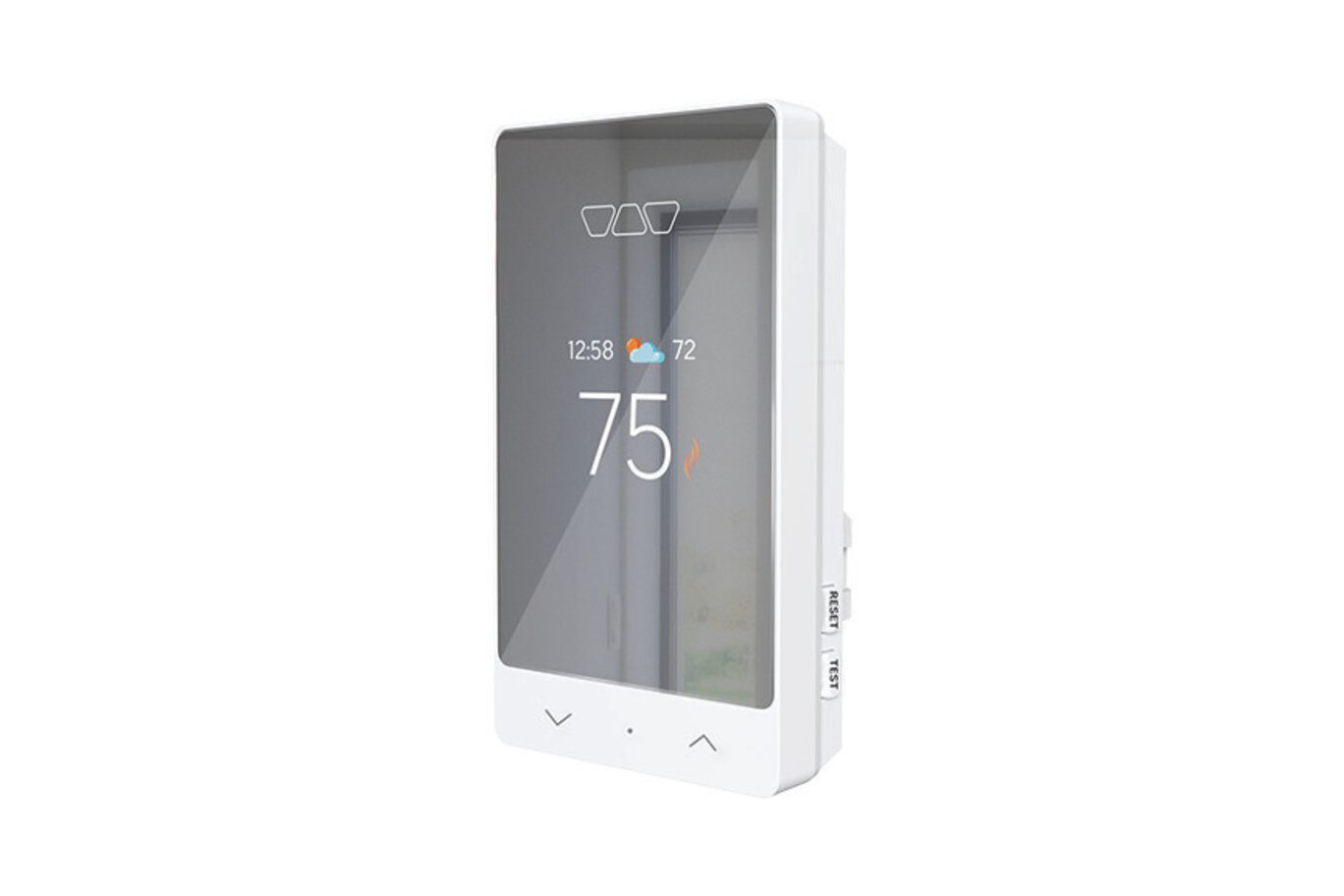
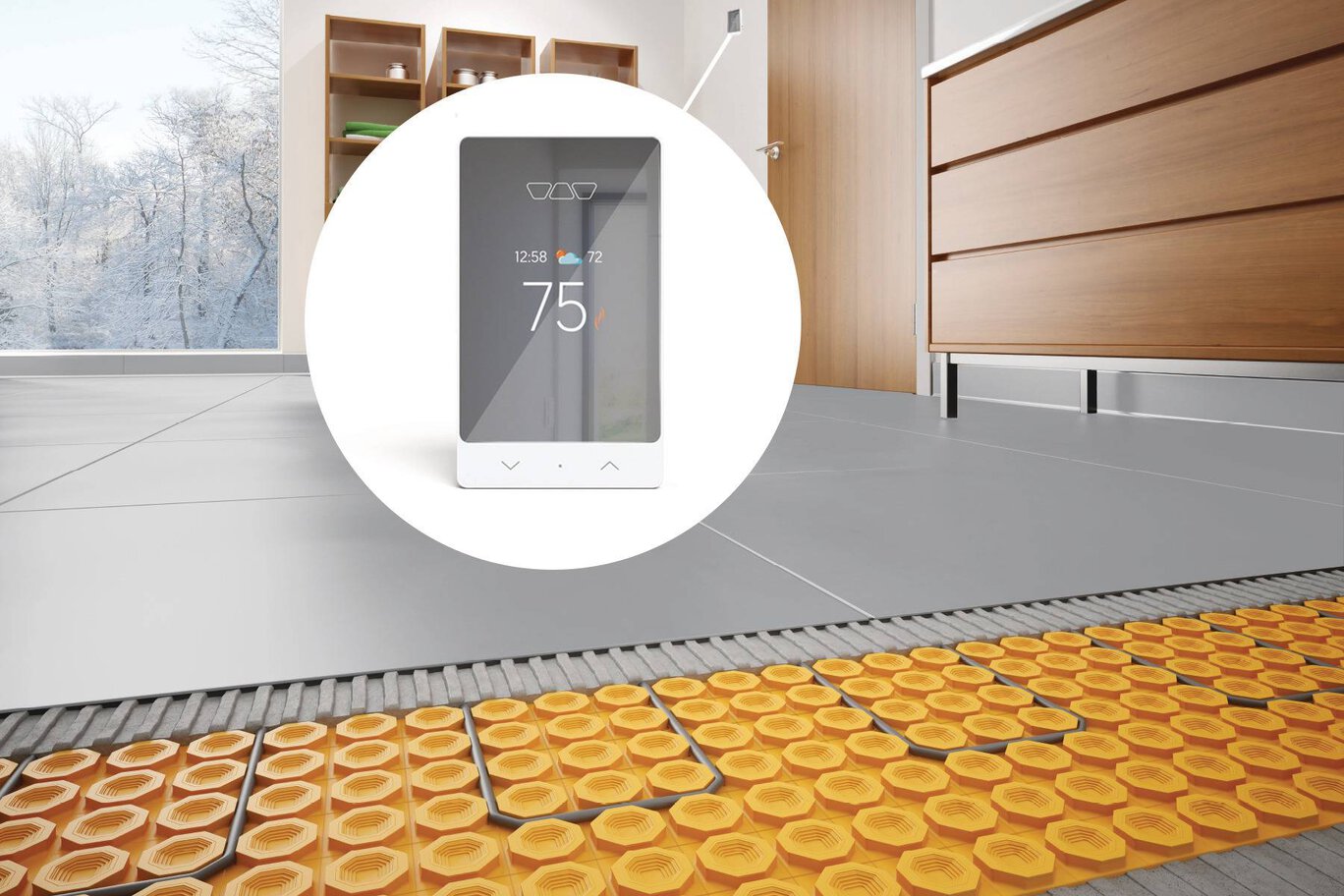
The Schluter®-DITRA-HEAT-E-RS1 is a smart thermostat for the Schluter®-DITRA-HEAT floor warming system. It features a sleek design with a mirror-finish and third-party integration with popular voice and home assistants to easily include floor warming into your smart home capabilities.
DITRA-HEAT-E-RS1 is a smart thermostat used to control the DITRA-HEAT-E-HK heating cables (either 120 V or 240 V). The thermostat features a built-in Class A ground fault circuit interrupter (GFCI) and includes input terminals to connect a 10k floor temperature sensor. Two floor temperature sensors are provided with each DITRA-HEAT-E-HK heating cable box.
The DITRA-HEAT-E-RS1 was designed to be mainly operated via the Schluter Smart Thermostat app. All features can be programmed and controlled using the app, and these features include remote access, time-temperature scheduling, maximum and minimum floor temperatures, maximum ambient temperature when in floor control mode, easy smart home integration, geofencing capabilities, etc.
The basic installation setup can be programmed from the thermostat menu using the dot soft button and the arrows. Manual temperature adjustments can be made directly using the arrows. When connected to Wi-Fi, the thermostat provides convenient monitoring and adjustment of the floor warming system via our mobile app.
Multiple heating cables may be connected to the thermostat up to the total heating load limit of 15 amps. The DITRA-HEAT-E-RRS power module may be used in conjunction with the thermostat when the heating load exceeds 15 amps (e.g., in large floor applications) to maintain a single point of control. This power module can only be used with the DITRA-HEAT-E-RS1 thermostat.
Note: iPhones running iOS older than version 10 and Android running versions older than 6 are not officially supported by the Schluter Smart Thermostat App.
Please refer to the Smart Thermostat Installation Manual and Schluter®-DITRA-HEAT Installation Handbook for complete DITRA-HEAT system installation instructions.
1. DITRA-HEAT-E-RS1 must be installed in an electrical box. A single gang, deep electrical box or a double gang electrical box with a single gang mud ring is recommended to provide room for the wiring.
2. The power supply must be shut off and all electrical connections must be made by a qualified person according to the electrical and building codes effective in your region.
3. Connect the heating cable ground braid to the grounding screw of the electrical junction box.
4. Remove the faceplate from the thermostat power base by loosening the screw and tilting the thermostat upward.
5. For ease of installation, form the electrical line wires into an “M” or accordion shape. This will make it easier to fold them neatly into the electrical box. Loosen the load screws at the top of the thermostat until they stop.
6. Insert the heating cable conductors into the holes of the load terminals. Since there is no polarity, either heating cable conductor can be connected to either load terminal.
7. Secure the conductors by tightening the screws.
8. Insert the electrical line wires into the line terminals. Refer to the back of thermostat for proper wiring configuration.
9. Secure the wires by tightening the screws and fold the wires into the electrical box.
10. Thread the floor temperature sensors through the slot opening at the bottom left of the thermostat power base. Tape up the secondary floor temperature sensor and secure to the power base.
11. Strip the ends of the floor temperature sensor to expose the wires for ease of installation. Insert the floor temperature sensor wires into the indicated terminals marked “Floor Sensor”. Note that the floor temperature sensor wires have no polarity and can be interchanged between the sensor terminals. Tighten the screws to secure the wires.
12. Align and secure the thermostat power base to the electrical box.
13. The power, heating cable, and floor temperature sensor connections are now complete. Replace the thermostat faceplate and tighten the screw at the bottom of the unit.
Note: Multiple DITRA-HEAT-E-HK heating cables can be connected and controlled by a single DITRA-HEAT-E-RS1 thermostat if the total current is less than 15 amps. The heating cable leads must be wired in parallel according to applicable electrical and building codes. Multiple DITRA-HEAT-E-HK heating cables over 15 amps cannot be connected to a single DITRA-HEAT-E-RS1 thermostat. Additional DITRA-HEAT-E-RS1 thermostats must be used or the DITRA-HEAT-E-RS1 thermostat may be combined with the DITRA-HEAT-E-RRS power modules.
Handbooks
FAQ
Can I lock my DITRA-HEAT-E-RS1 thermostat so that no one can change the settings?
Yes, using the "Lock" function in the Schluter Smart Thermostat app menu for the particular thermostat.
Read moreHow do I suspend my programmed schedule for a period of time?
Press the appropriate arrow on the thermostat to adjust the temperature, or use the APP and select...
Read moreI am experiencing internet and cell phone connectivity issues. Can I unlock the keyboard even if I do not have access to the Schluter Smart Thermostat app?
How do I connect an expansion unit/power module to the DITRA-HEAT-E-RS1 smart thermostat?
Can I override the automatic time setting feature and manually set my clock?
No, the time setting and the weather information are automatically tied according to...
Read moreCan I adjust the brightness of the thermostat display?
No, the display brightness is automatically adjusted according to the light in the room.
Read moreHow do I set the load on the thermostat?
The load is the total amount of watts from all the heating cables connected directly to the thermostat...
Read moreCan the Schluter-DITRA-HEAT-E-RS1 thermostat be installed to replace an existing Schluter Thermostat? Can it be installed to replace a non-Schluter Thermostat? How is it installed?
YES, the thermostat can be used with any electric radiant floor heating system. Consult with a local electrician to ensure...
Read moreWhere do I purchase the Schluter-DITRA-HEAT-E-RS1 thermostat?
Check with you local dealer or select "Where to Buy" at the top of this screen for local points of purchase.
Read moreWhat happens if there is a power outage?
Once the power is restored, the thermostat will return to scheduled settings, or to the manual set point before the outage.
Read moreThe under floor heating cable has a ground wire, however the thermostat has no terminal for ground. What shall I do with the ground wire?
Is the Schluter-DITRA-HEAT-E-RS1 thermostat compatible with both iOS and Android apps?
Can I access my DITRA-HEAT Smart thermostat using the Web?
How do I connect to the Wi-Fi and setup?
How do I update my email address in the Schluter Smart Thermostat app? What if I have forgotten my password?
Can my thermostat obtain software updates?
How do I connect multiple thermostats to one account?
Just go to "Add Device" in the menu of the Schluter Smart Thermostat app, and they will automatically be added to your account...
Read moreHow do I give another user access to my Schluter-DITRA-HEAT-E-RS1 thermostat via the Schluter Smart Thermostat app?
I no longer want to use the Wi-Fi connectivity of my Schluter-DITRA-HEAT-E-RS1 thermostat. How do I turn off this feature?
How do I unregister my thermostat from a previous account?
Can different users of the Schluter Smart Thermostat app control separate thermostats?
Yes, individual accounts (unique email address and password) can be created to control either...
Read moreWhen I switch to either "Control Mode" or "Max. Floor Temperature" on the thermostat, I do not see this change reflected in the Schluter Smart Thermostat app.
These changes require a reinitialization of the app. Going back to the thermostat main page or..
Read moreWhy is the "Away" set point activated on the thermostat with an airplane icon when the Schluter Smart Thermostat app home page shows "Home" and I have not left home nor set the thermostat to "Away"?
Only one account can control Geofencing at a time. This happens in situations when more than one smart phone is...
Read moreCan Geofencing be activated for more than one mobile device, or be transferred to another mobile device?
Geofencing is set to the first mobile device which activates it. Geofencing for multi-user is...
Read moreHow do I protect my laminate / LVT / SPC flooring or similar for a maximum floor temperature of 82°F (28°C)?
In the "Advanced" settings, when in "Floor" control mode or in "Ambient" control mode, set "Max. Floor Temperature" to...
Read moreWhy doesn't the "Floor Temp. Offset" seem to work properly?
It's working! The offset is applied gradually over time to prevent a sudden or abrupt change in temperature.
Read moreWhat is Frost Safe mode?
Frost Safe mode prevents the floor temperature from falling below the "Min. Floor Temperature" setpoint that is selected in "Advanced Device Settings".
Read moreI have a commercial property. Can the Schluter Smart Thermostat app work with my BAS (Building Automation Software) ?
What software versions of iOS and Android does the Schluter Smart Thermostat app support?
The Schluter Smart Thermostat app is not displaying the correct unit of temperature Fahrenheit (F) / Celsius (°C).
Settings such as temperature unit (°F or °C), time (12- or 24-hour clock), and language (English or French) are not synced between the...
Read moreCan I use the Schluter app if my thermostat DITRA-HEAT-E-RS1 is connected to a Control4 system?
Once the thermostat is added to Control4, all day-to-day control—such as temperature changes, presets, and...
Read moreCan I use Regulator Mode with my Control4 system?
No, Regulator Mode is not supported by Control4. If you require the use of Regulator Mode, please contact...
Read moreWhy is my thermostat DITRA-HEAT-E-RS1 not following the schedule I have set in Control4?
Control4 may not follow a schedule if another system still has an active temperature rule. Clear all schedules in...
Read moreHow do I change which heating mode my thermostat DITRA-HEAT-E-RS1 is using?
It is not possible to change heating modes within the Control4 application. To switch between...
Read moreHow do I add a new item to my schedule in Control4?
In Control4, schedules use presets. Create a preset first—such as a temperature target or...
Read moreMy thermostat DITRA-HEAT-E-RS1 and Control4 system are no longer connected. What should I do?
First confirm that the thermostat still has Wi Fi. A “!” beside the Wi Fi icon means it needs to be...
Read moreDITRA-HEAT-E-RS1 is c-ETL-us listed according to the following standards:
• UL 60730-1, UL 60730-2-9
• CSA E60730-1, CSA E60730-2-9
• UL 943
• CSA C22.2 No. 144.1
• DITRA-HEAT-E-RS1 thermostat Wi-Fi chips are authorized by the FCC (USA) and IC (Canada) under the following numbers:
o IC ID………….21098-ESPWROOM32
Design patent pending (USA) and Industrial design pending (Canada)

Watch & Learn
About the product

How to install the Schluter®-DITRA-HEAT-E-RS1 Smart thermostat

Introducing the Schluter®-DITRA-HEAT-E-RS1 Smart Thermostat
Find some existing tutorials and project documentation videos to learn how-to get the best out of our products - for more fun in your life, start now!
Watch more videos / playlists